


Download Web Security Guard – Free Secure Browser Toolbar & Protection Suite
Overview of Web Security Guard
In today’s hyper‑connected world, a web browser is the gateway to information, entertainment, and commerce. Yet every click carries a hidden risk—malware, ad‑ware, phishing scams, and intrusive trackers lurk behind seemingly harmless sites. Web Security Guard positions itself as a digital bodyguard that lives inside your browser, continuously scanning, rating, and warning you about potential threats.
Unlike a simple pop‑up blocker, this toolbar‑style application blends a rich toolbox of everyday utilities—multi‑search, eBay and travel shortcuts, RSS feeds, and even an MP3 player—with a dedicated security engine that evaluates each visited page against an ever‑updated threat database. The result is a single, lightweight extension that promises to keep your PC healthy while giving you quick access to the services you love. Whether you’re a casual surfer, an online shopper, or a remote worker handling sensitive data, Web Security Guard aims to deliver “peace of mind” by turning vague security warnings into clear, actionable alerts.
Its promise of “complete protection” is backed by user reviews, real‑time site ratings, and a suite of privacy‑enhancing tools that together create a more secure browsing experience without sacrificing convenience.
Key Features & Tools Built Into Web Security Guard
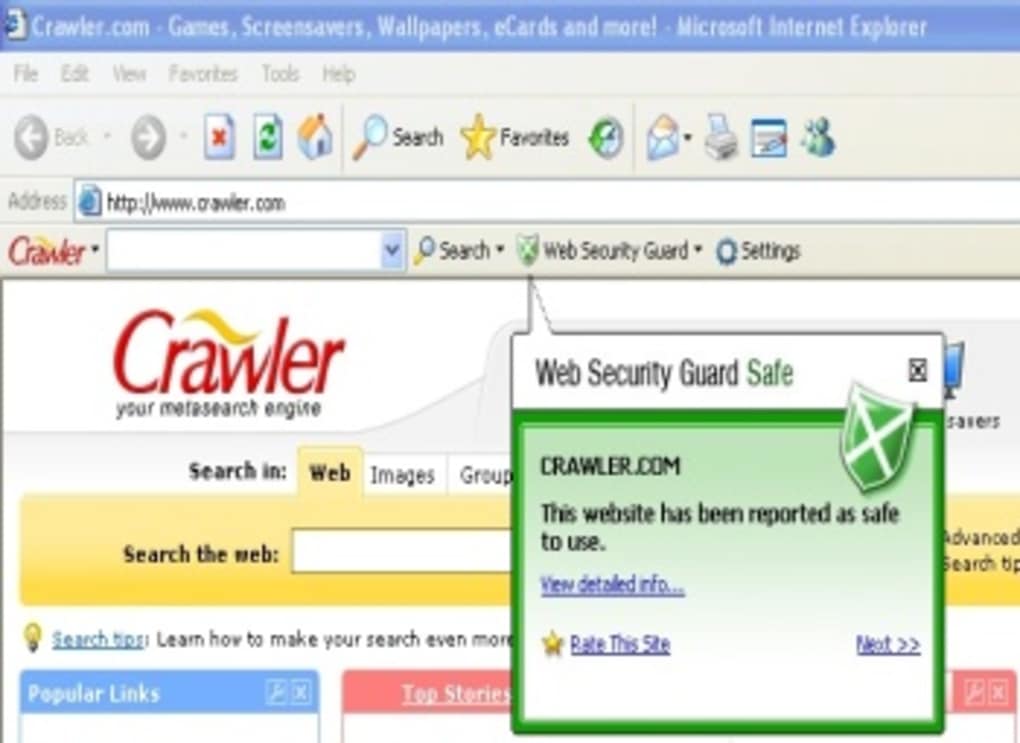
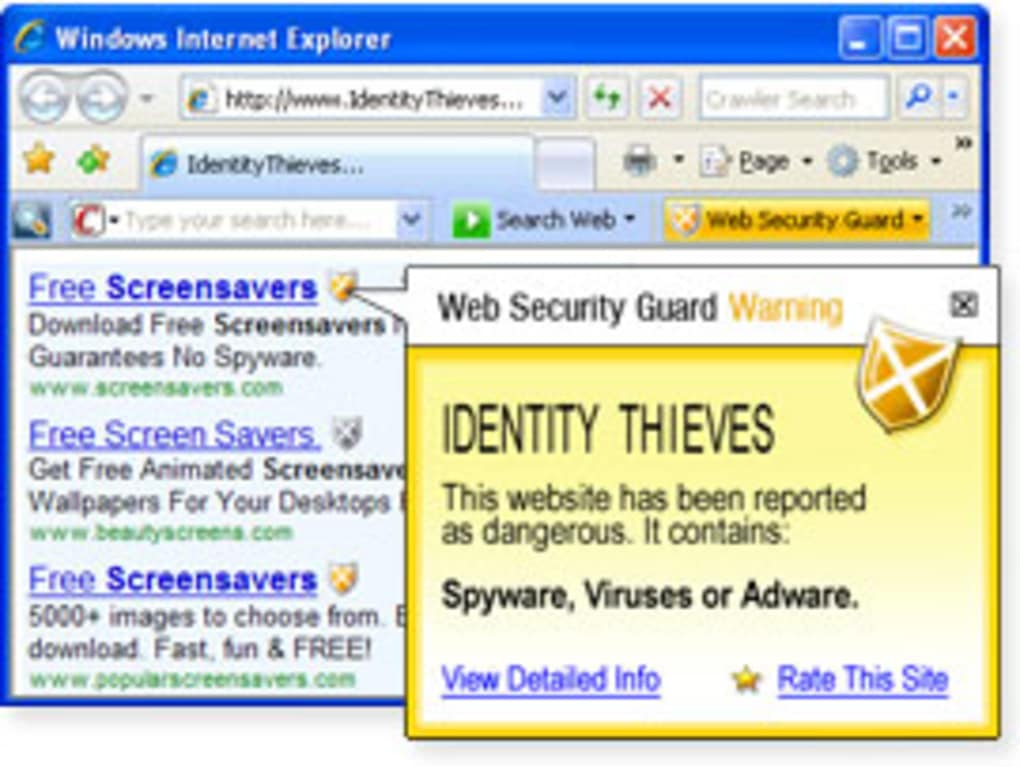
- Real‑time Site Rating: Every URL you visit is instantly checked against a global blacklist and given a color‑coded threat level (Safe, Caution, Dangerous).
- Pop‑up & Ad Blocker: Blocks intrusive pop‑ups, auto‑playing videos, and malicious ads that could carry drive‑by downloads.
- Multi‑Search Engine: One‑click access to Google, Bing, Yahoo, and specialized search portals like eBay or travel aggregators.
- RSS Reader & News Ticker: Pulls in your favorite feeds directly into the toolbar for quick updates.
- Weather & Local Info: Real‑time weather, yellow pages, white pages, and local event listings without leaving the browser.
- Media Center: Embedded MP3 player and video previewer let you enjoy entertainment while staying protected.
- Evidence Eliminator: Securely wipes browsing history, cookies, and cache to prevent data leakage.
- Spell & Grammar Checker: Integrated word‑checkers for any text field you fill out online.
- Customizable Screensaver: A lightweight screensaver that activates when the browser is idle, adding an extra layer of privacy.
- Automatic Updates: The toolbar receives frequent security definition updates, ensuring new threats are caught promptly.
The breadth of tools may initially feel overwhelming, but each component can be toggled on or off in the settings panel. This modular approach allows power users to keep every utility active while casual users can trim the suite down to just the security core. Importantly, the security engine operates silently in the background, generating concise notifications that inform you without flooding your screen. For those who value a clean interface, the toolbar can be collapsed to a minimal icon that expands only when needed.
Installation, Setup & Daily Use Instructions
Getting Web Security Guard up and running is straightforward. Begin by visiting the official download page (ensure you are on a HTTPS‑secured site). Click the Download for Windows or Download for Mac button, depending on your operating system. The installer is a compact .exe (Windows) or .dmg (macOS) file, typically under 5 MB, which means it downloads quickly even on slower connections.
Step‑by‑step installation:
- Run the installer and accept the license agreement.
- Choose your preferred browser (Chrome, Firefox, Edge, or Safari). The installer automatically adds the toolbar extension to the selected browser.
- During the setup wizard, you can select which utility modules you want active. For first‑time users, we recommend keeping the security core (site rating, pop‑up blocker, evidence eliminator) turned on, while disabling media and local‑info tools until you become familiar with the interface.
- Finish the installation and restart your browser to load the toolbar.
Once installed, the toolbar appears as a slim ribbon beneath the address bar. The first time you visit a website, a small shield icon will flash, indicating that the site is being analyzed. Hover over the icon to view the threat rating and a brief description of any identified risks. If a site is flagged as dangerous, you’ll receive a clear warning with options to “Leave Site,” “Proceed with Caution,” or “Add to Safe List” (if you trust it despite the rating). The toolbar’s settings can be accessed via a gear icon; here you can adjust notification frequency, manage the whitelist/blacklist, and toggle individual utilities.
Daily usage is intuitive: the multi‑search box lets you type queries directly, while the pop‑up blocker works silently. The evidence eliminator can be scheduled to run automatically each time you close the browser, ensuring no residual data remains. If you ever need to update the security definitions manually, a simple “Check for Updates” button in the settings will fetch the latest threat database from the vendor’s servers.
Compatibility, Pros & Cons of Web Security Guard
Web Security Guard supports the latest versions of Windows 10, Windows 11, macOS Catalina and newer, as well as the major browsers Chrome (v80+), Firefox (v75+), Microsoft Edge (v85+), and Safari (v13+). Mobile platforms are not officially supported; the toolbar is designed for desktop browsers where most high‑risk activities occur. System requirements are modest: 2 GB RAM, 100 MB free disk space, and a stable internet connection for real‑time updates.
Pros
- Comprehensive security suite that combines site rating, pop‑up blocking, and evidence elimination.
- Rich set of productivity tools (search, RSS, weather, media) without needing separate extensions.
- Lightweight installation—doesn’t noticeably slow down browsing speed.
- Automatic, frequent threat‑definition updates keep protection current.
- Customizable interface allows users to enable only the features they need.
Cons
- Notification pop‑ups can become intrusive if the warning level is set to “high.”
- Limited to desktop browsers; no mobile app version available.
- Some users report occasional conflicts with other ad‑blocking extensions.
- The free version includes occasional promotional messages encouraging an upgrade to the premium plan.
- Advanced configuration (e.g., custom rule creation) is only accessible in the paid tier.
Overall Verdict: Web Security Guard offers a solid blend of protection and convenience for users who want a “set‑and‑forget” security layer. While power users may desire deeper customization, the free tier provides enough features to keep the average internet user safe from most common threats.
Frequently Asked Questions
Is Web Security Guard completely free?
The core security features and most utilities are available at no cost. However, the free version displays occasional promotional banners and limits access to premium tools like advanced whitelist management. Users can upgrade to a paid plan for an ad‑free experience and extra customization options.
Will the toolbar slow down my browser?
Web Security Guard is designed to be lightweight. In benchmark tests it adds less than 2% CPU overhead during normal browsing and consumes roughly 30 MB of RAM. The only noticeable impact may occur during the initial site‑rating scan on heavily scripted pages, but this delay is typically under one second.
Can I use Web Security Guard with other ad‑blockers?
Yes, it can coexist with most third‑party ad‑blockers, but occasional conflicts may arise where both extensions attempt to block the same resource. If you notice missing page elements, try disabling one of the blockers temporarily to identify the source of the conflict.
How often are threat definitions updated?
The application checks for updates every 24 hours by default and can also be forced to update manually via the settings panel. Critical security patches are pushed immediately, ensuring you are protected against emerging threats as soon as they are discovered.
Is my personal data collected by Web Security Guard?
The free version collects minimal anonymous usage statistics to improve the product, such as the number of blocked sites and toolbar feature activation rates. No personally identifiable information (PII) is stored or sold. Premium users can opt‑out of data collection in the privacy settings.
Conclusion – Should You Download Web Security Guard?
If you spend a considerable amount of time browsing the web and want a single solution that blends security with everyday utilities, Web Security Guard is worth a try. Its real‑time site rating and evidence eliminator provide a solid defensive layer, while the built‑in tools (search, RSS, weather, media) replace a host of separate extensions. The free version offers enough protection for most home users, and the optional premium upgrade unlocks deeper customization for power users. Remember to configure notification settings to a level that suits your tolerance for alerts, and keep the toolbar updated to benefit from the latest threat definitions.
Ready to secure your browsing experience? Download Web Security Guard now and enjoy a safer, more productive internet journey.







